Sign in with a card
Tap your registered card on the printer's card reader to sign in.
1
Go to a secure printer
Your card must be registered first. See Register a Card Reader.
2
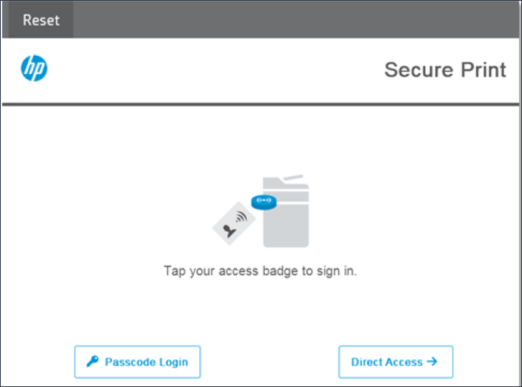
Tap your card
Tap or swipe your card on the card reader attached to the printer. On printers with an SR25 release device, all your jobs print straight away.
The printer screen also offers another way to sign in, in case you don't have your card. Which one depends on how your organization signs you in:
- Passcode Login, for OpenID Connect or SAML. See Sign in with a passcode.
- Credential Login, for email address and PIN. See Sign in with your email address and PIN.
- Username and Password Login, for Active Directory. See Sign in with your Windows username and password.
Next step
You're signed in, and your held jobs are listed. Choose the ones you want and select Print. See Release jobs at the printer.